Making Linksys' Flagship Product User-Centered Again
Linksys is a networking company delivering hardware and software for consumer and enterprise markets.
Problems
Sales were declining year over year as the consumer router market shifted
Customer feedback highlighted frustrations with slow WiFi speeds, a buggy app, and a product-to-price ratio that felt mismatched
Setup was the 2nd highest ranked topic of the company's $1,000,000 annual Support Call bill, and was trending up year over year
Solution
A comprehensive overhaul replacing the old setup model of a step-by-step app guide with a bold Plug-and-Play model. Replaced the old app with a new web-based interface. New hardware for faster processing (engineering).
Results
%
Reduction in mesh system setup time 45 min average down to 5
%
Reduction in setup-related support calls
My involvement
UX for New Setup Flow
UX for New Web-based Interface
UI: Creating Design System with Google M3 Resources
Creating Printed Guide in Product Packaging
Prototyping & Testing New Experience


The old setup model was developed over a decade ago. It required users to download an app, establish a Bluetooth connection with each hardware unit, and pass a series of checkpoints step-by-step.

This single app handled the setup for all Linksys products. As the product offering grew, ad-hoc fixes, myopic improvements, and company-centered marketing requests slowly eroded a user-centered focus.

The deconstruction process began with auditing the current setup. I huddled with app and firmware engineering to understand what was happening under the hood. Much of the logic hadn't been touched in years—and it was easy to make a list of incremental improvements.
Despite several improvements, the same time-expensive risks (using Bluetooth) were still present. Plus the experience still felt cumbersome. There were so many app screens, punctuated with waiting. Hardly the stand-out experience to get a competitive edge back. Our VP of Product pushed for more radical improvement.
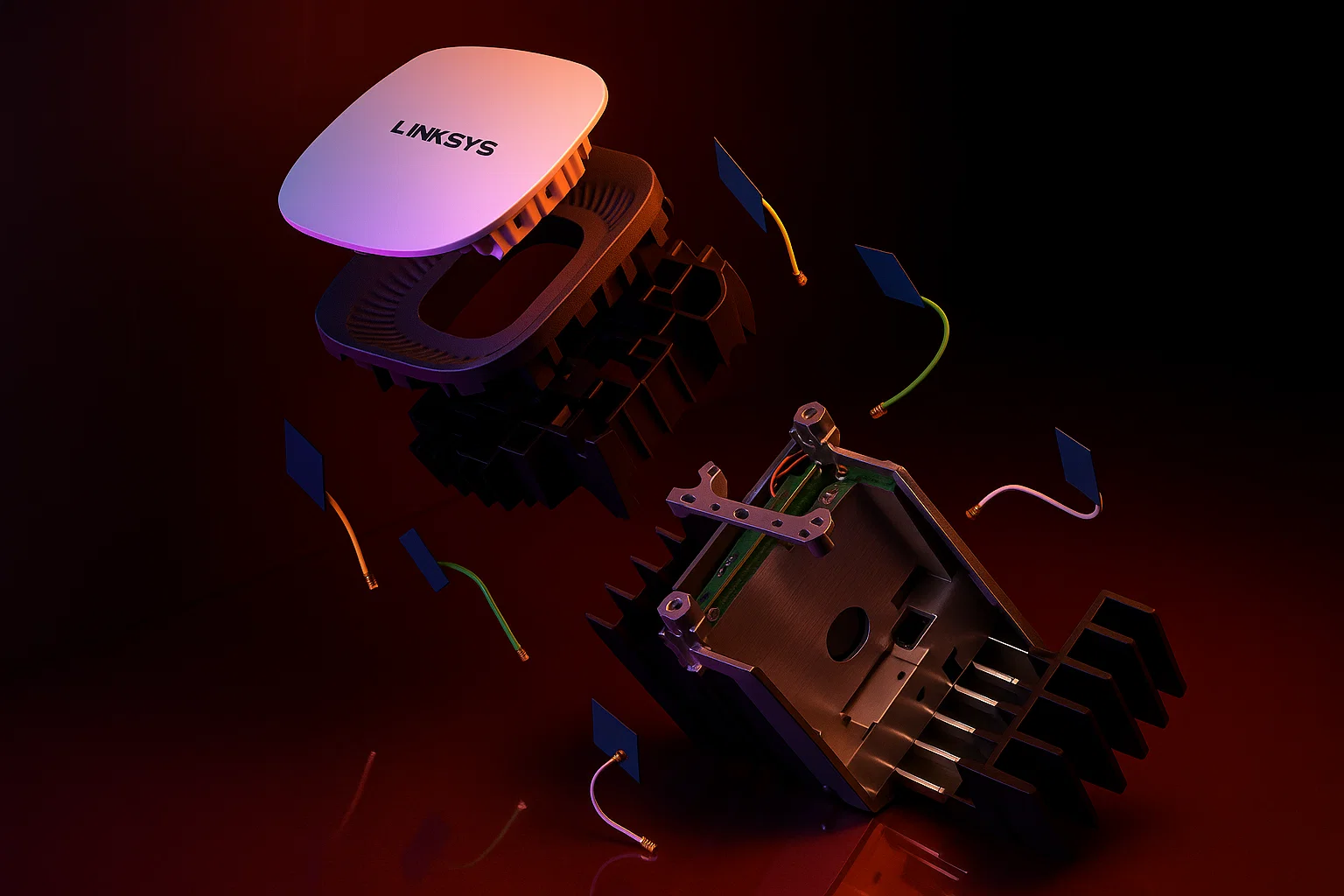
Distilling a router to the fundamentals
Real change comes from the bottom up. It's easy to peck at your product's existing parts, staying within the established model. For more radical change, I had to ask better questions.
How can this device be set up in 5 minutes?

What is the literal bare minimum for users to be online?
What network customization is essential, if any?
Is an interface necessary for this product?
Thinking about the literal bare minimum eliminated an app from the equation.
Assuming a user had a 12V power supply, insulated copper wires to carry data packets, and a broadcasted WiFi signal, a user could be online in 5 minutes.
Not pictured: Additional brainstorming on how to get the rest of the units online. Details in full case study.
The final solution: A comprehensive overhaul replacing the old step-by-step guided app model with a bold Plug-and-Play solution. Following a printed Setup Guide, users are instructed to power on all units, wire to their internet source, and be online in 5 minutes. Network Customization became optional, accessed with a newly-designed browser-based interface stored in the hardware.
Above: Watch this user set up a network in 5 minutes.
2:26 Internet Online (indicated by white LED)
4:36 Child Nodes Online (indicated by white LEDs)
4:39 QR Code for Optional Customization Wizard

I designed the printed Quick Start Guide, what users see first when opening the box. Since setup success now depended on this artifact , every piece of information was meticulously designed and tested.
Design iterations available in full case study.

At the end of the guide is a QR code that opens the new browser-based interface, named Linksys Privacy GUI. This step is optional, for users looking for more customization.

Scanning the QR code opened a Network Customization wizard with a browser. Features were selected by popularity and setting up users for success with the hardware. (Automatically turning off the LED at night)
After completing the wizard, users can continue to the full interface: Linksys Privacy GUI.
Linksys Privacy GUI: A lightning-fast,
privacy-focused web interface
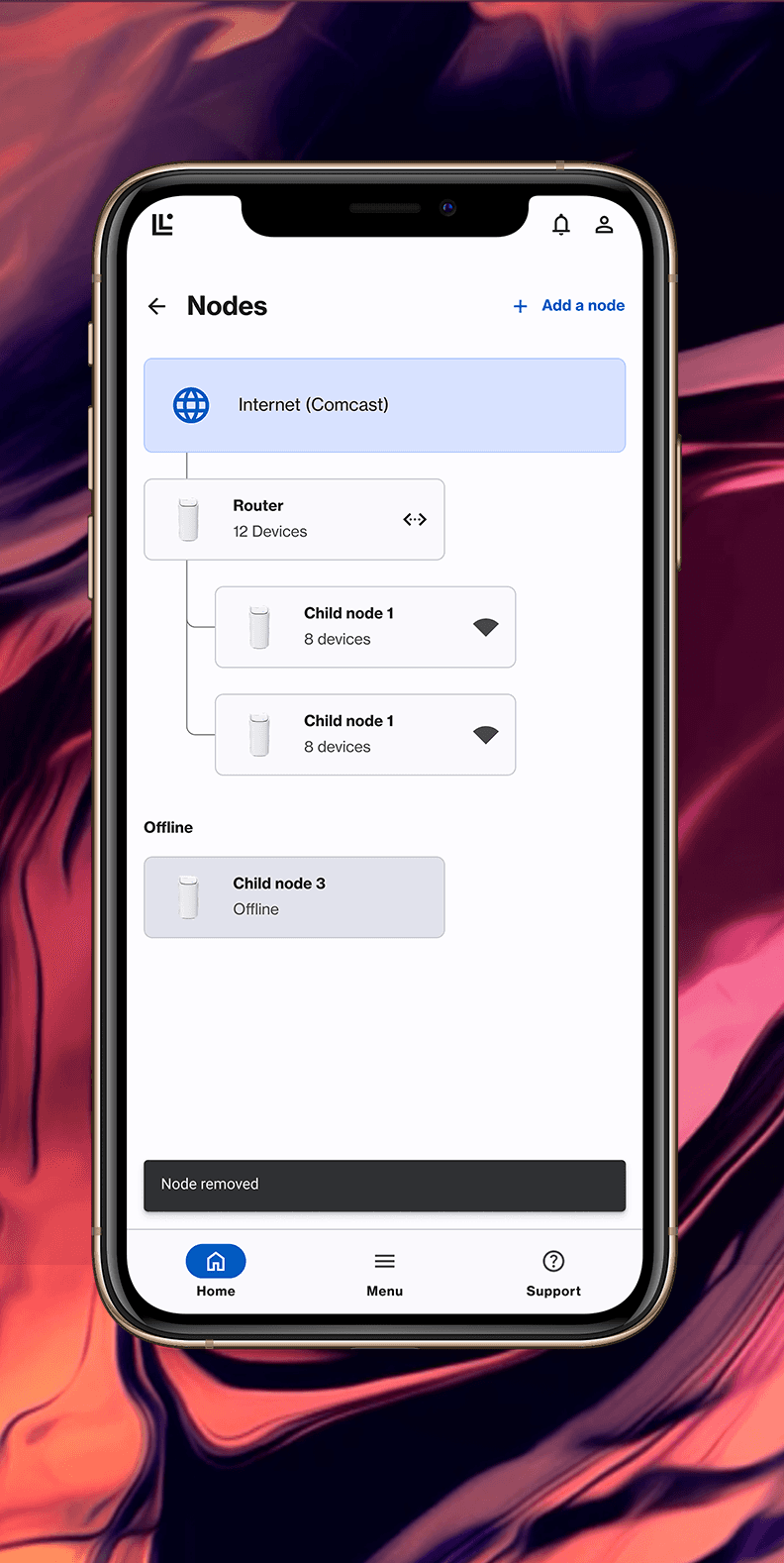
Replacing the old iOS and Android apps would be a new app built from scratch. Leveraging Google M3's design system resources, I worked with our development team and a UI contractor to build a MVP for network management.



Recap
New Setup Results
%
Reduction in mesh system setup time 45 min average down to 5
%
Reduction in setup-related support calls
One of the most expensive mistakes a company can make is losing sight of its product experience. It happens slowly, death by a thousand cuts. I believe Linksys experienced this, as revealed in my product audit, where many choices were made to serve sales, marketing, or development efficiency rather than the customer. Some of those decisions may have produced short-term gains, but at long-term costs. There are no shortcuts to delivering a great product. It requires a clear, customer-centered vision and leadership that can align every department to execute—which was present with this project.